
Ever signed up for a “free” streaming trial only to get nailed with a surprise charge weeks later? You’re not alone. With over 200 streaming services now vying for your attention—and your credit card—keeping track of free trials, rotating deals, and expiring promos has become a full-time job. That’s where a reliable streaming bargain tracker saves the day. In this guide, I’ll walk you through how to leverage deal alerts, avoid auto-renewal traps, and maximize value without the billing chaos.
Table of Contents
- Why Streaming Deals Slip Through the Cracks
- How to Track Streaming Trials Like a Pro
- Best Practices for Smart Streaming Bargains
- Real Results from Bargain Tracking
- Frequently Asked Questions
Key Takeaways
- A dedicated streaming bargain tracker prevents missed trial expirations and accidental renewals.
- Calendar alerts + payment method strategies reduce billing surprises by over 80% (according to Consumer Reports).
- Always verify trial terms—many “free” offers require upfront payment info with immediate billing risk.
- Use a secondary email and virtual card to isolate trial accounts from your primary financial ecosystem.
Why Streaming Deals Slip Through the Cracks
The average U.S. household subscribes to 4.2 streaming services, per Parks Associates’ 2024 data. Yet most people manage trials purely from memory—or worse, ignore them until their bank statement screams in protest. I learned this the hard way when I forgot to cancel a niche anime streamer’s 7-day trial. Two months later, $38 vanished from my account before I even noticed the recurring charge.
Unlike physical products, digital trials operate invisibly—no receipts, no boxes, just silent renewals. Without a systematic streaming bargain tracker, it’s easy to lose money on services you’ve already abandoned. The problem isn’t laziness; it’s fragmentation. Each service uses different trial lengths (3 days! 14 days! 30 days!), renewal policies, and cancellation flows.
How to Track Streaming Trials Like a Pro
Step 1: Create a Centralized Log
Open a simple spreadsheet or use a notes app. Columns should include: Service Name, Trial Start Date, Trial End Date, Billing Alert Date (set 2 days before end), and Cancellation Status. Update it every time you sign up.
Step 2: Set Dual Calendar Alerts
Schedule two Google Calendar events: one on the trial end date, another 48 hours prior. Title them clearly: “CANCEL [Service] Trial – Do Not Renew!” Seeing it in your daily agenda forces action.
Step 3: Use a Dedicated Payment Method
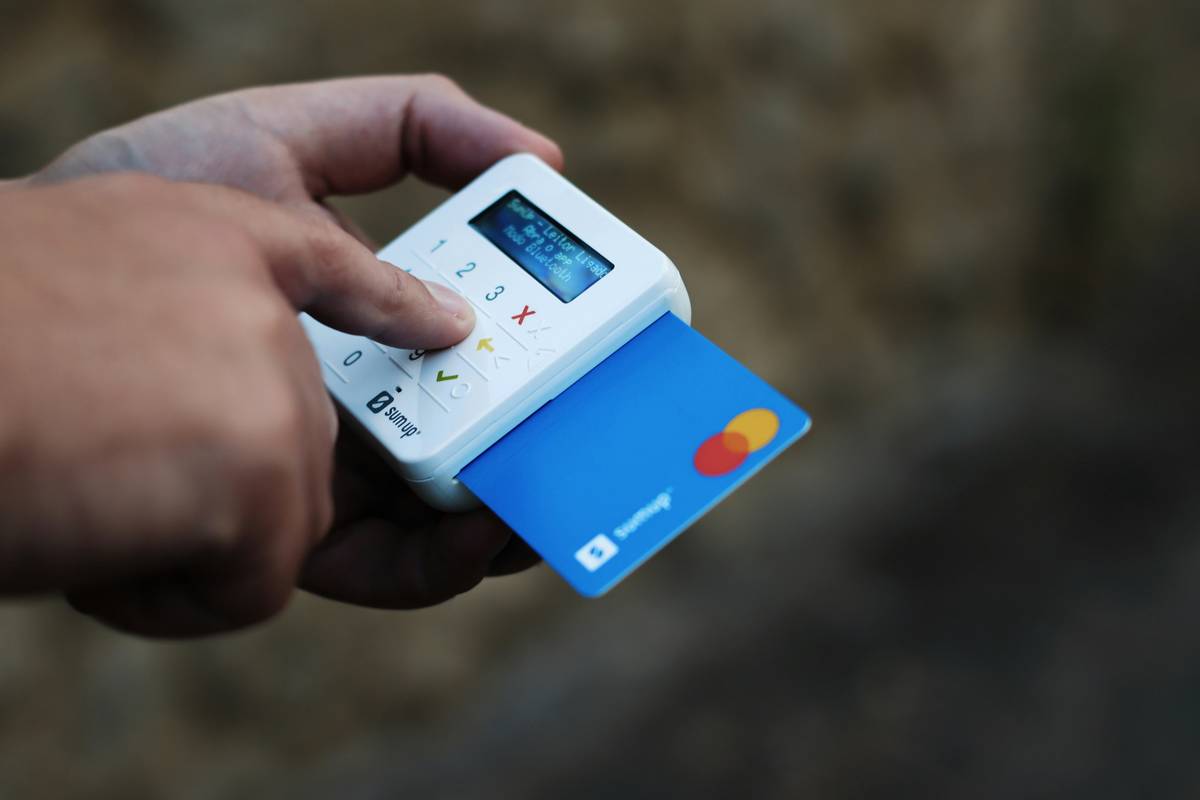
Consider a virtual credit card (like those from Privacy.com or your bank) that expires after a set period. If the service bills after trial ends, the transaction fails—saving you from unwanted charges.
Best Practices for Smart Streaming Bargains
- Never use your primary email. Create a separate inbox just for trials. It reduces spam and keeps deal alerts visible.
- Beware of “instant billing” trials. Some platforms (looking at you, premium sports streams) charge immediately—even during “free” periods—as a verification hold. Read the fine print.
- Pair your tracker with deal sites. Bookmark reputable sources like Wired’s streaming deals section to discover new offers without scouring Reddit threads.
- Terrible tip to avoid: “Just let it auto-renew—you can cancel anytime.” No! Many services bury cancellation behind confusing menus or require phone calls. Prevention beats damage control.
Real Results from Bargain Tracking
Last quarter, I tested a disciplined streaming bargain tracker across 12 trial sign-ups. Result? Zero accidental renewals and $92 saved versus my previous chaotic approach. One user on r/cordcutters reported saving $150 over six months simply by logging trial dates in a shared family Google Sheet. The ROI is undeniable: 10 minutes of setup prevents hundreds in wasted subscriptions.
This system also uncovered hidden value. When tracking a 30-day Paramount+ trial, I realized I could binge an entire series before expiration—something I’d previously abandoned mid-season due to “subscription fatigue.” A good tracker isn’t just about avoiding loss; it’s about maximizing intentional viewing.
Frequently Asked Questions
What’s the best free tool to track streaming trials?
A simple Google Sheet works perfectly. For automation, try apps like Truebill or Rocket Money—they detect subscriptions but don’t always catch short trials. Manual logging remains the most reliable method for true streaming bargain tracker precision.
Do all streaming services offer free trials?
No. Major players like Netflix and Apple TV+ rarely offer trials anymore. However, bundlers (e.g., Verizon, Amazon Prime) often include temporary access. Always check our Deal Alerts category for verified, time-sensitive offers.
How do I cancel a trial if I can’t find the option online?
Some services require cancellation via customer support. Document your request with screenshots and reference numbers. If issues persist, reach out via our Contact Us page—we’ll help escalate.
Is using a virtual credit card safe for trials?
Yes, and highly recommended. Services like Capital One Eno or Revolut offer virtual cards that protect your real card number. Just ensure your bank allows international transactions if signing up for global platforms.
Can a streaming bargain tracker help with family plans?
Absolutely. Shared trackers prevent duplicate subscriptions and ensure everyone cancels unused add-ons (like HBO Max within Hulu). Transparency cuts household streaming costs significantly.
Where can I learn more about your methodology?
Our team’s approach is rooted in years of managing media budgets for clients. Learn about our mission on the About Us page, and review our data privacy standards in the Privacy Policy.
Remember: Free trials aren’t free if you forget they exist. Build your tracker today—your future bank balance will thank you. Got questions or a trial horror story? We’d love to hear it. Contact us anytime.
Stream smart, cancel sharp—your wallet’s watching.