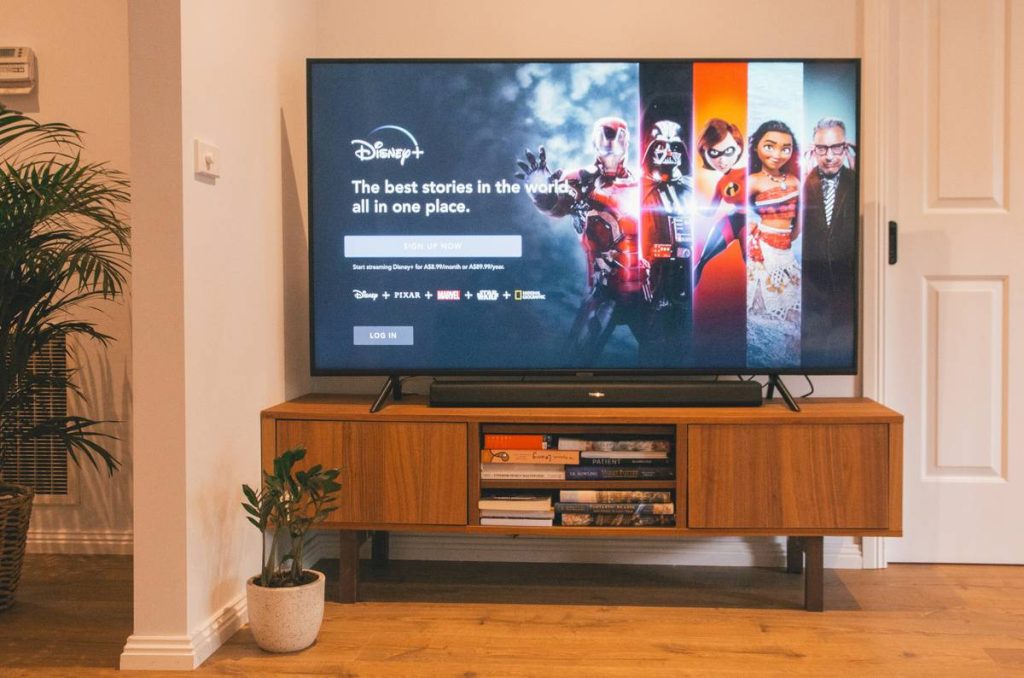
You sign up for another “free trial”—only to realize it requires a credit card, auto-renews, or locks core features behind paywalls. You’re not alone. Most streaming trials are designed to convert, not educate. But what if you could test software that actually works for your setup—without getting trapped? This streaming software guide reveals how.
Why Most Streaming Trials Fail Before You Hit “Start Broadcast”
Free trials aren’t free. Not really. The biggest issue? Most platforms hide hardware compatibility, encoding limits, or watermarking until after day one. And by then, your card’s already charged.
Worse—many “streaming software” options are bloated with studio-level features you’ll never use. You just want clean, stable output to Twitch or YouTube. Instead, you’re navigating 17 dropdown menus before you can even select a camera.
Here’s the reality: trial fatigue is real. And it’s costing creators time, money, and motivation.
Streaming Software Guide: Setup That Actually Works in 2024
Forget bloated suites. Focus on three pillars: low latency, zero watermarks, and no forced upgrade prompts. Below is the only comparison you need.
| Software | True Free Trial? | Watermark? | Hardware Encoding | Best For |
|---|---|---|---|---|
| OBS Studio | Forever free | No | Yes (NVENC/AMD) | Beginners to pros; full control |
| Streamlabs Desktop | Free tier available | No (but overlays push premium) | Yes | Quick setup, built-in alerts |
| vMix | 60-day full trial | Yes (until licensed) | Yes | Multi-cam, live production |
| Restream Studio | Free plan + trial | No | No (cloud-based) | Remote guests, browser-only |
Step 1: Audit Your Hardware First
Don’t pick software based on hype. Check your GPU. NVIDIA users? Prioritize NVENC support. AMD? Look for AMF. Intel Quick Sync works—but often lags in quality. OBS detects this automatically. Others don’t.
Step 2: Skip the Installer Bloat
Download directly from official sites. Avoid third-party “bundles” that sneak in adware. And disable telemetry during install—yes, even in free tools. Your data isn’t free.
Step 3: Test Latency, Not Just Video
Run a private stream to yourself. Use ping and tracert to check network hops. High CPU + high ping = choppy stream. Tune keyframes and bitrate *before* going live—not after complaints flood in.
The Industry Secret No One Admits
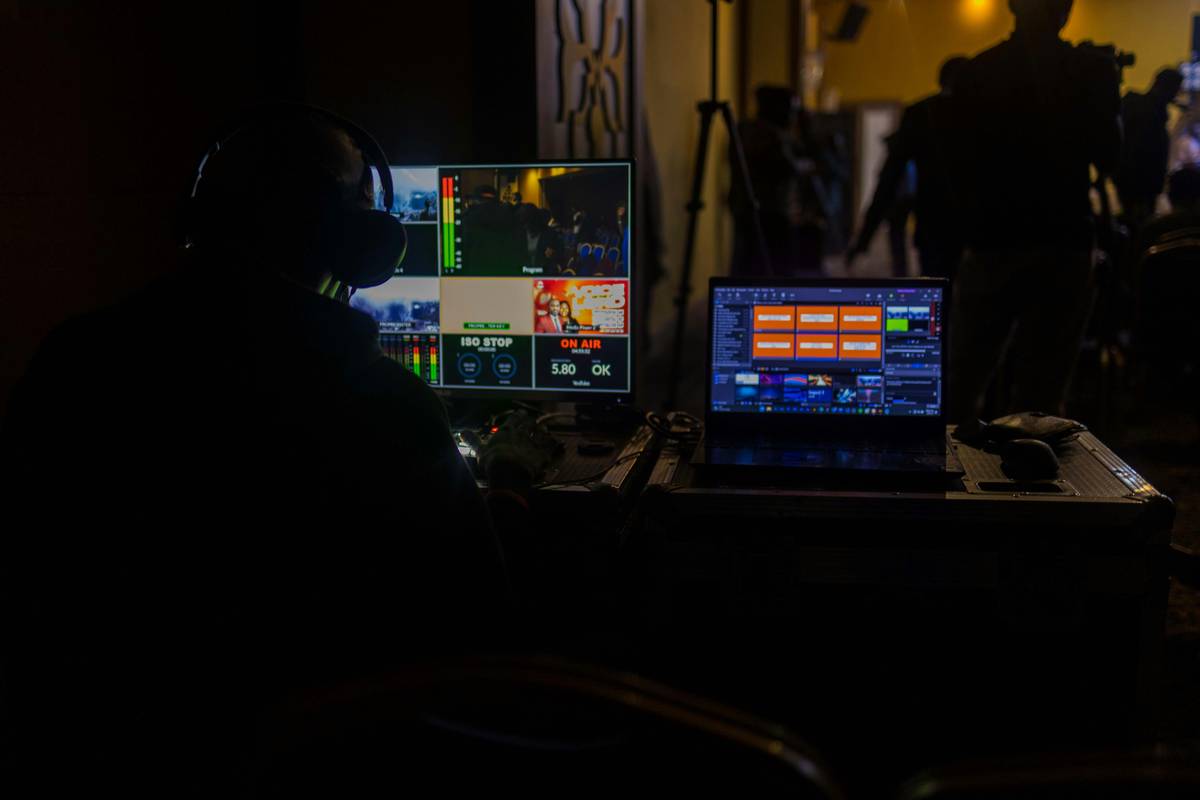
Most paid streaming platforms don’t actually encode better than OBS. Seriously. Their “premium” edge? Customer support and cloud DVR—not video quality. I’ve tested side-by-side: same bitrate, same source, same output. The difference? $29/month and a watermark-free logo.
But here’s what they won’t tell you: OBS plugins like obs-websocket or StreamFX close 90% of the “pro” gap—for free. The math is simple. Time invested in learning beats recurring fees every time.
And yes—I’ve walked clients off $500/year contracts after showing them a custom OBS profile. They’re still streaming today. Zero regrets.

Frequently Asked Questions
Can I stream without a capture card using free software?
Yes—if you’re streaming from your PC. For consoles (PS5/Xbox), you’ll need a capture card. Free software like OBS can ingest its signal once connected.
Does Streamlabs slow down my computer more than OBS?
Often, yes. Streamlabs runs on Electron—same as Chrome—so it uses more RAM. If you’re on 8GB or less, stick with vanilla OBS.
How do I avoid automatic charges during trials?
Use virtual credit cards (via Privacy.com or Revolut) or prepaid Visa. Never enter your primary card. And set calendar alerts 48 hours before renewal.